Designed and built in collaboration with content creators

From Hundreds of ClipsTo Client-Ready in Minutes

Lightroom-style culling, built for video. Pull a shoot straight off your iPhone, rate, flag and filter at keyboard speed, then deliver — sequentially renamed selects for the client, or a finished reel for the feed. Your original files are never touched.

Content Creators Studio application interface preview

Client Delivery Eating Your Weekend?

After a shoot you're left with hundreds of clips, and the client is waiting. Wrestling them off the phone through Image Capture, scrubbing each one in a player, dragging keepers into folders, renaming files by hand so they arrive in a sensible order — the wade through your own footage costs more hours than the shoot did.

  • Slow preview loading in traditional file browsers
  • Constantly switching between apps to rate and organize
  • No quick way to mark selects and rejects
  • Renaming delivery files one by one so they land in order
  • A second app just to cut a 30-second reel

Like Lightroom, But for Video

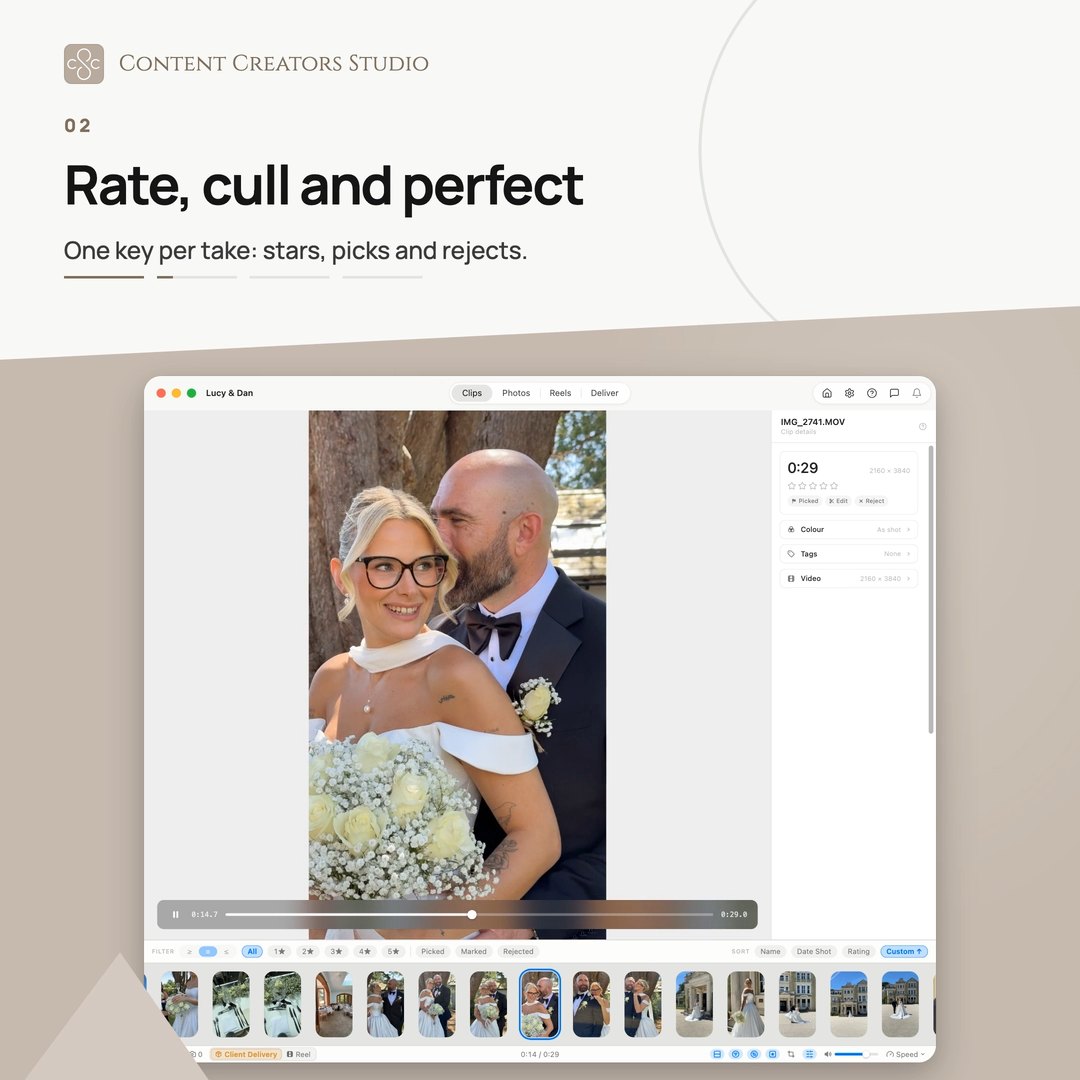
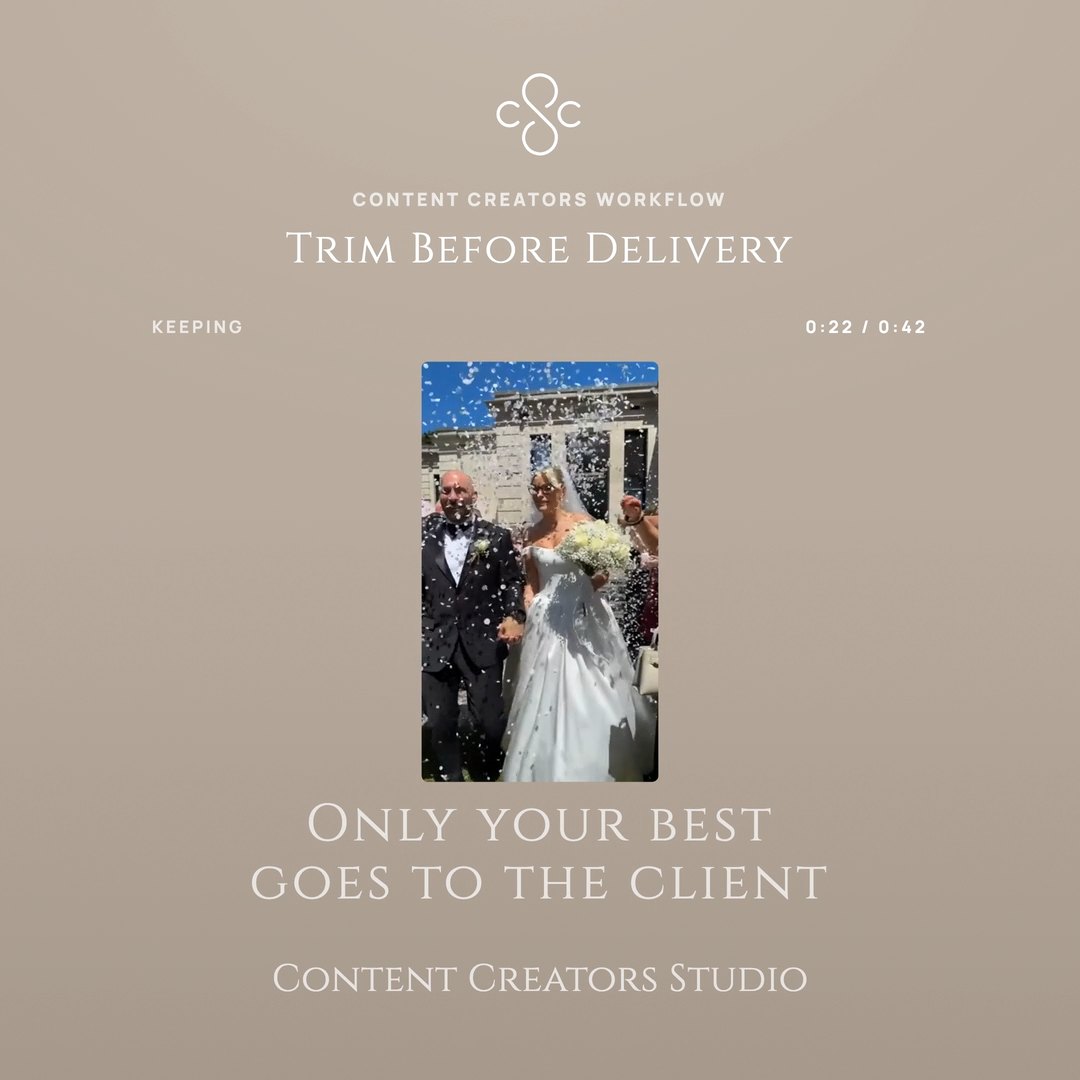
If you cull stills in Lightroom, you already know how this works. Star ratings, picks and rejects, filter down to what survived, then export the set — except here it's video, previewing instantly, and the export arrives at the client sequentially renamed and in order.

  • Import a shoot straight off your iPhone, by the day
  • See all your clips in a horizontal timeline at once
  • Instant preview without opening external apps
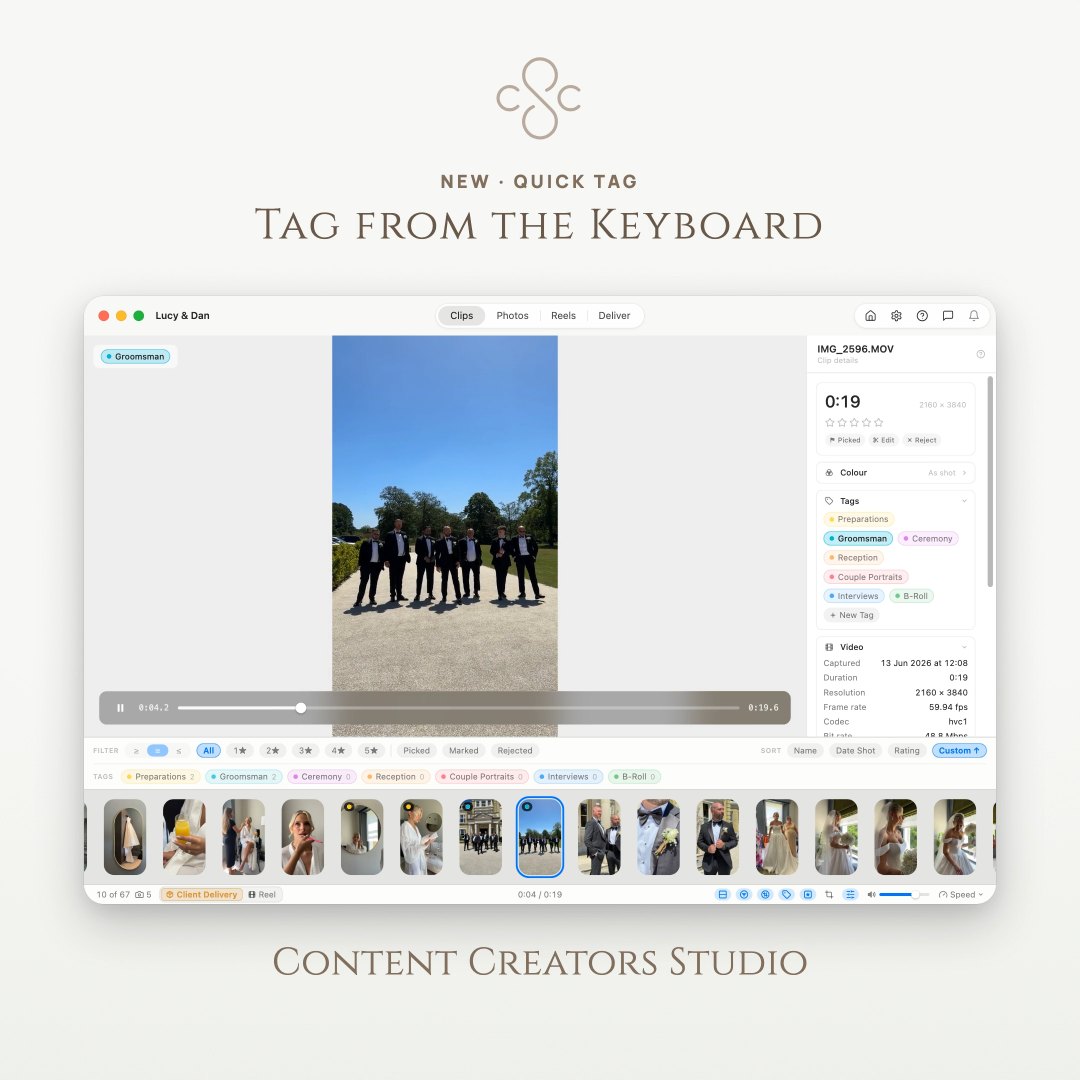
  • Rate, select and reject using keyboard hotkeys
  • Deliver selects renamed in order, with your own prefix
  • Cut a reel with music and colour, up to 4K
  • Non-destructive — your originals stay untouched

Everything You Need, Cull to Delivery

Purpose-built features that take you from raw footage to a client handover, without ever changing your original files

Import from iPhone

Plug the phone in and pull clips straight across into a named shoot folder. The grid splits by the day each clip was shot, so taking Saturday off a phone holding a month is one click.

Visual Horizontal View

Browse all your video clips as thumbnails in a responsive layout. See everything at a glance.

Instant Preview

Highlighted videos instantly preview in the dedicated view as you move through the clips.

Star Ratings

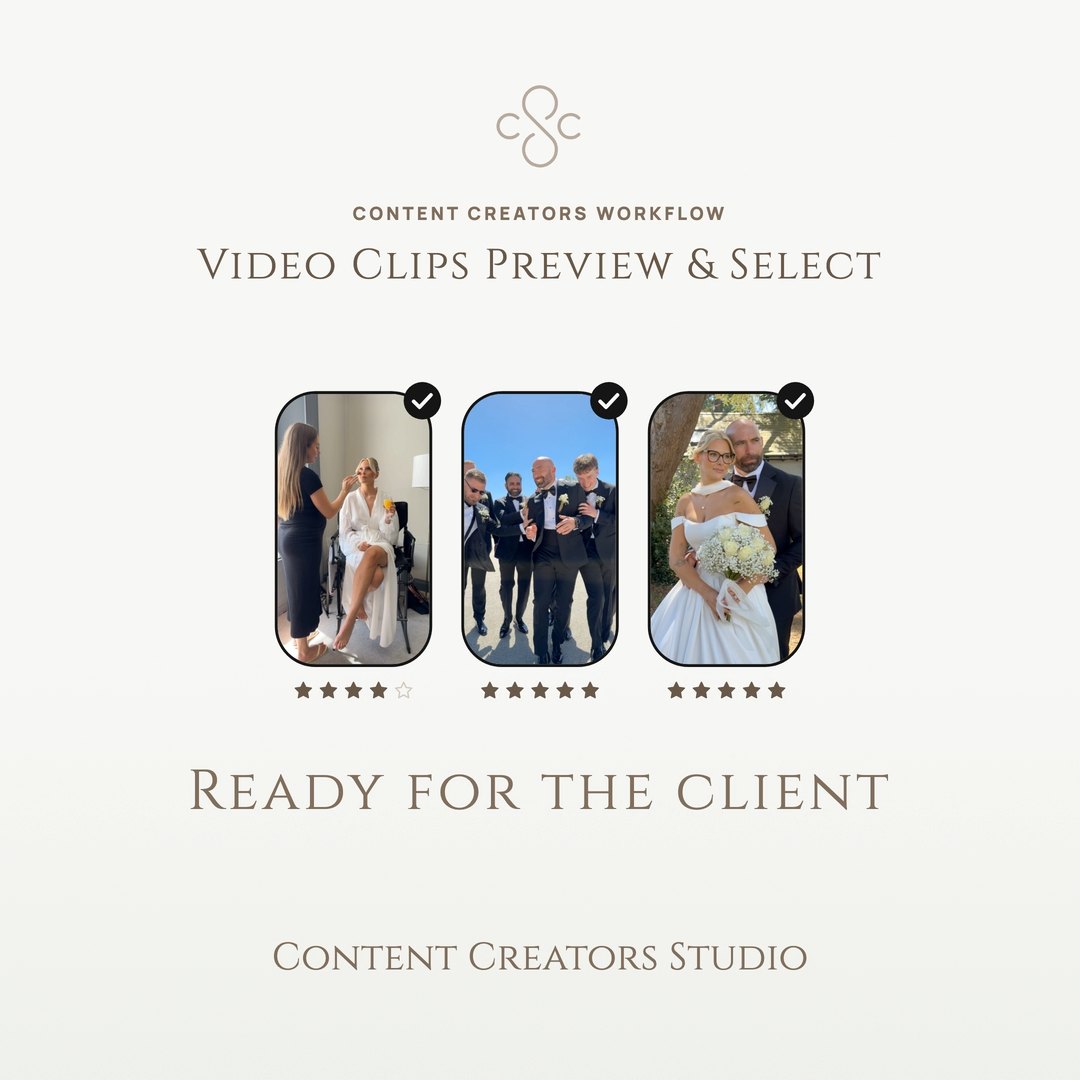
Rate clips with 1-5 stars for quick sorting. Find your best footage instantly.

Pick/Reject Selection

Simple binary selection for fast culling. Mark keepers and rejects with a single keystroke.

Keyboard Hotkeys

Navigate, rate and select without touching the mouse. Built for speed and efficiency.

Lossless Trimming

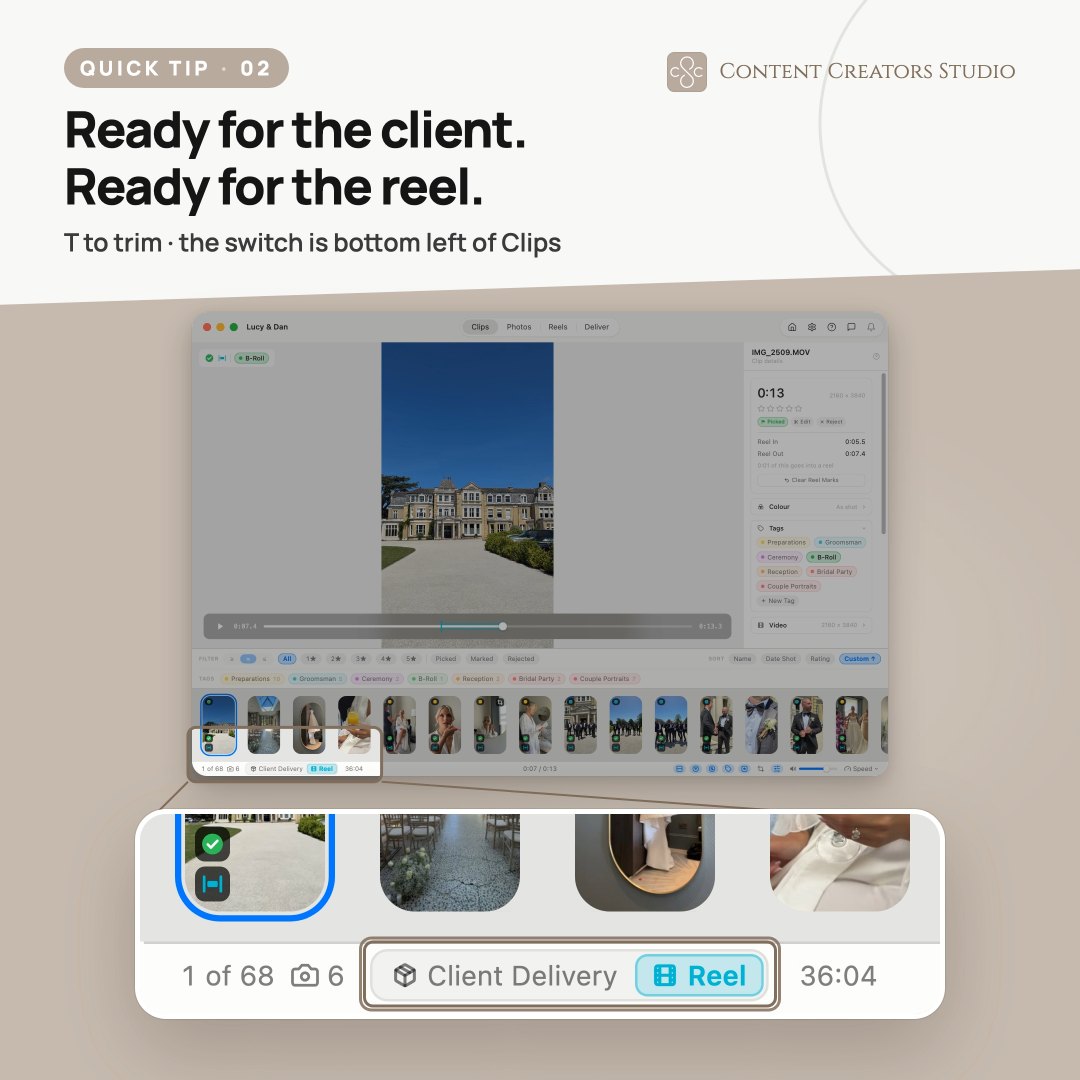
Trim any clip without leaving the app. Save over the original keeping your ratings, or save the trim as a new clip.

Snapshots Mode

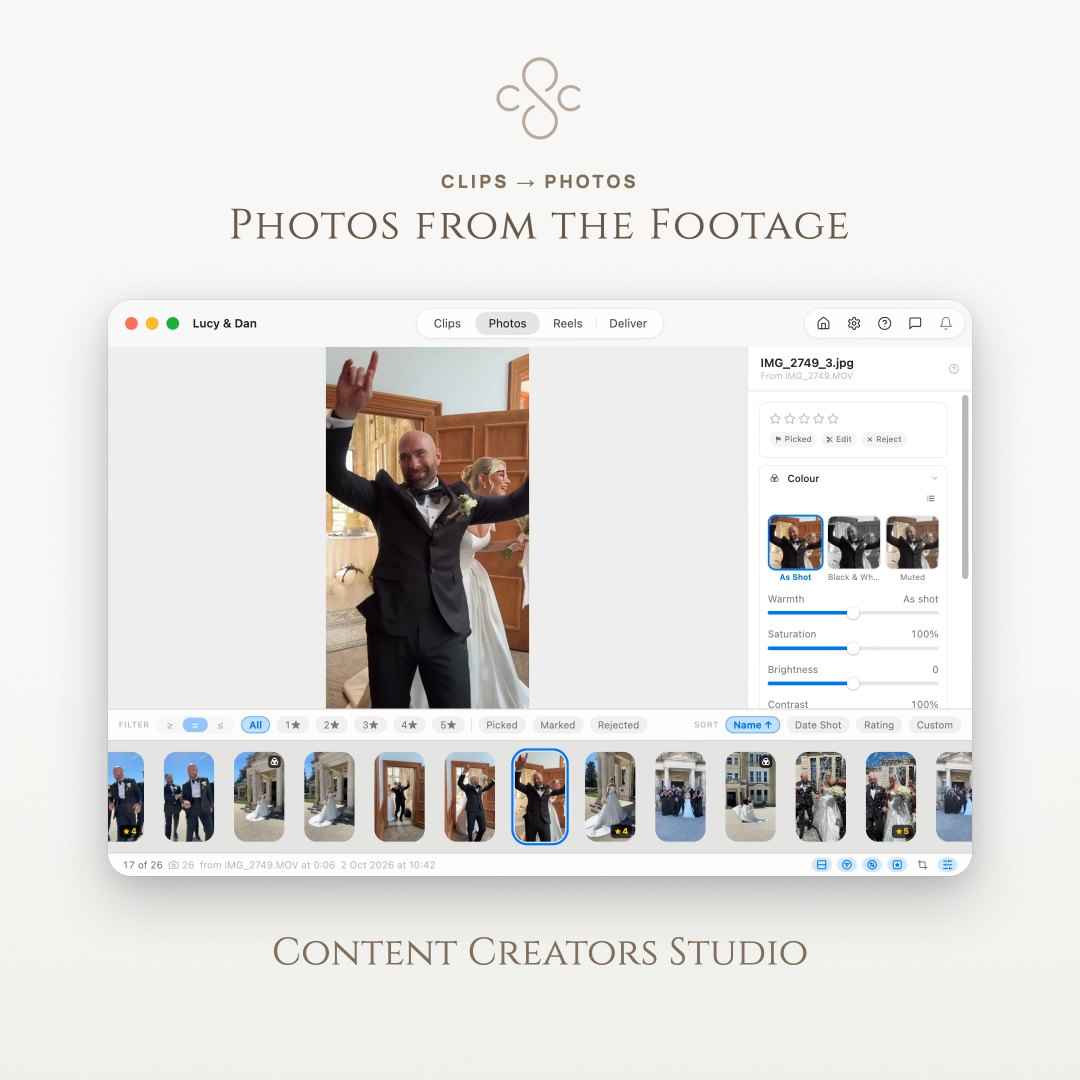
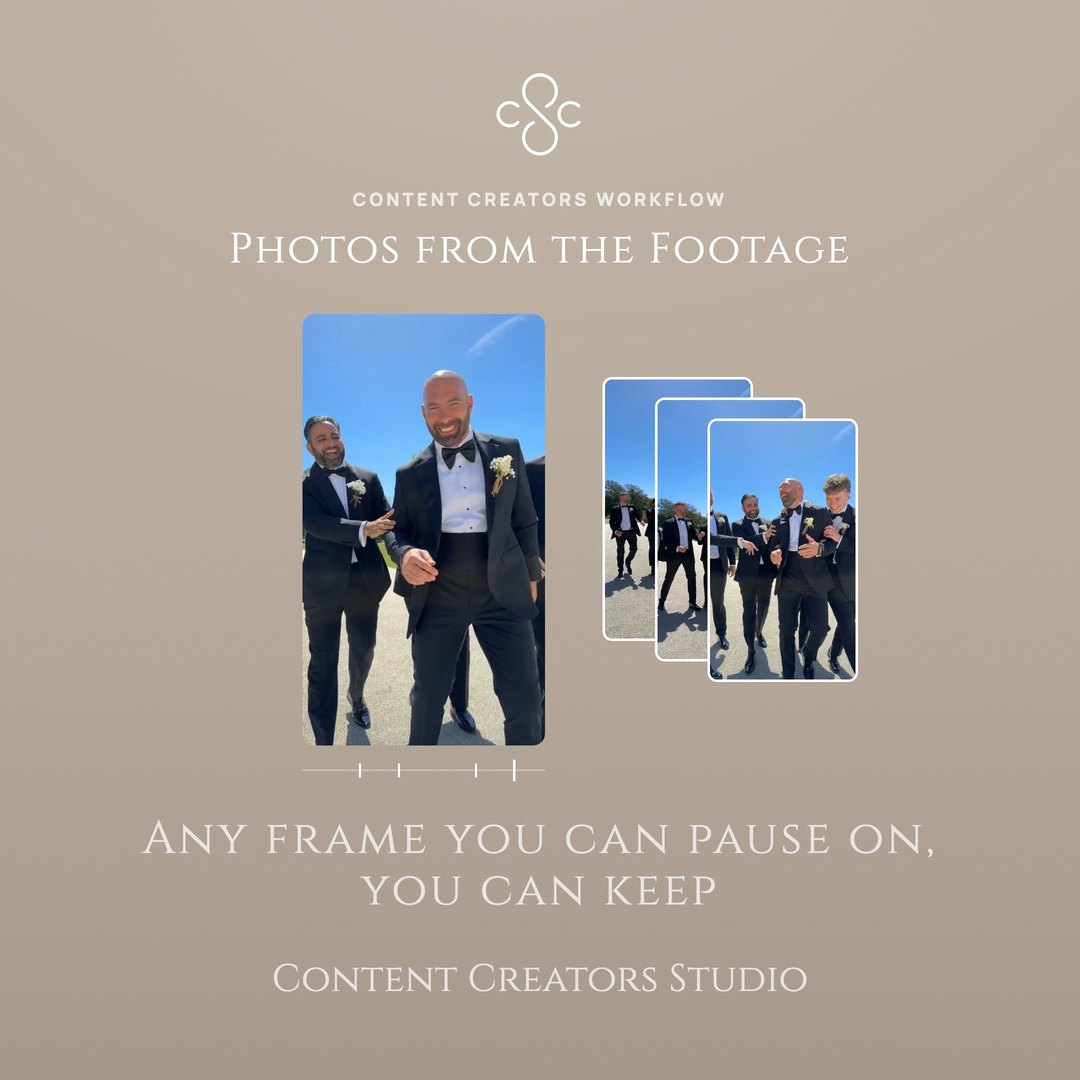
Swap the filmstrip for every frame you have captured, shown full size, and step through them with the arrow keys.

Client Delivery

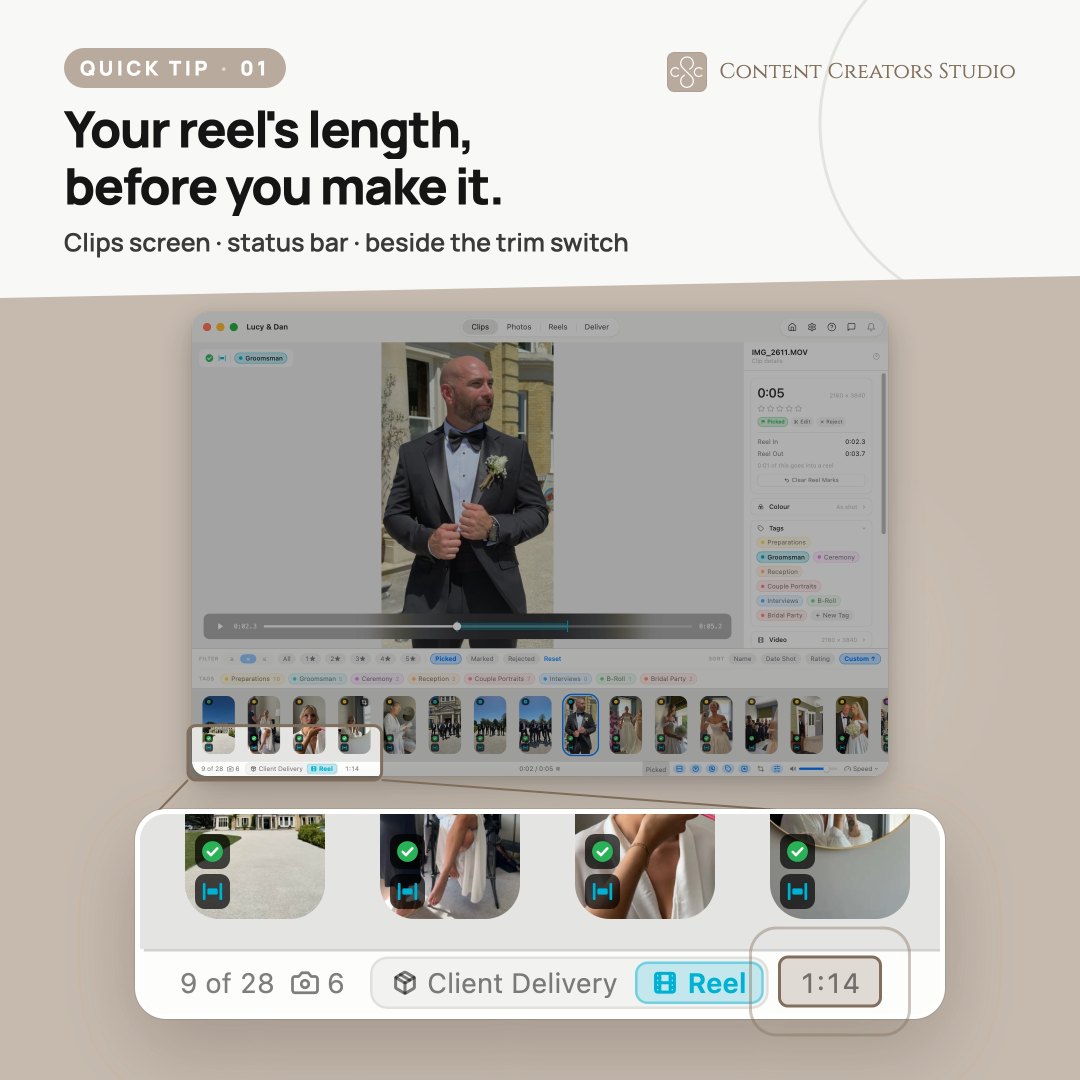
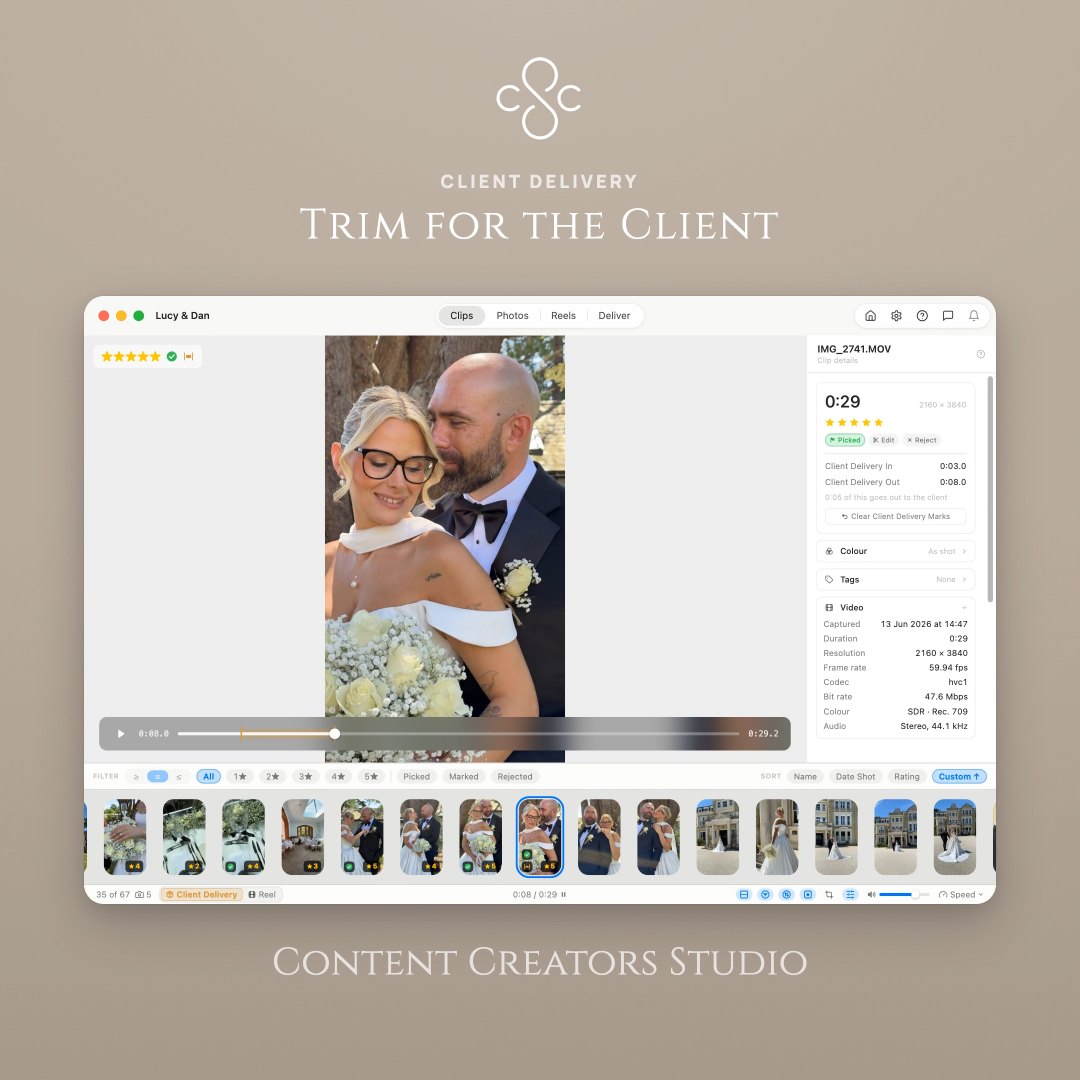
Export your selects renamed in sequence, in the order you arranged them, with your own prefix. Copy to a delivery folder or move them out to clear the card, stills following alongside.

Edit Mode

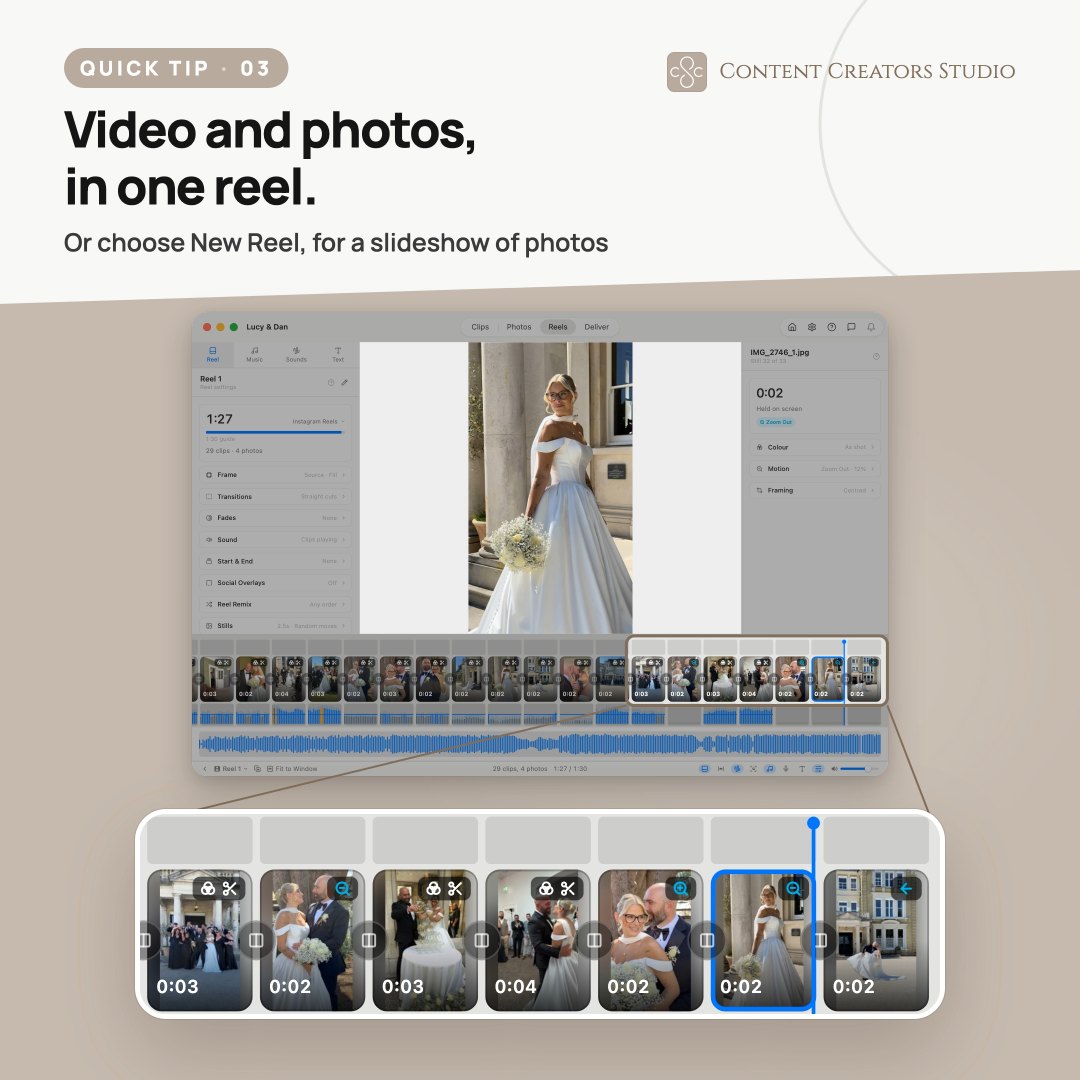
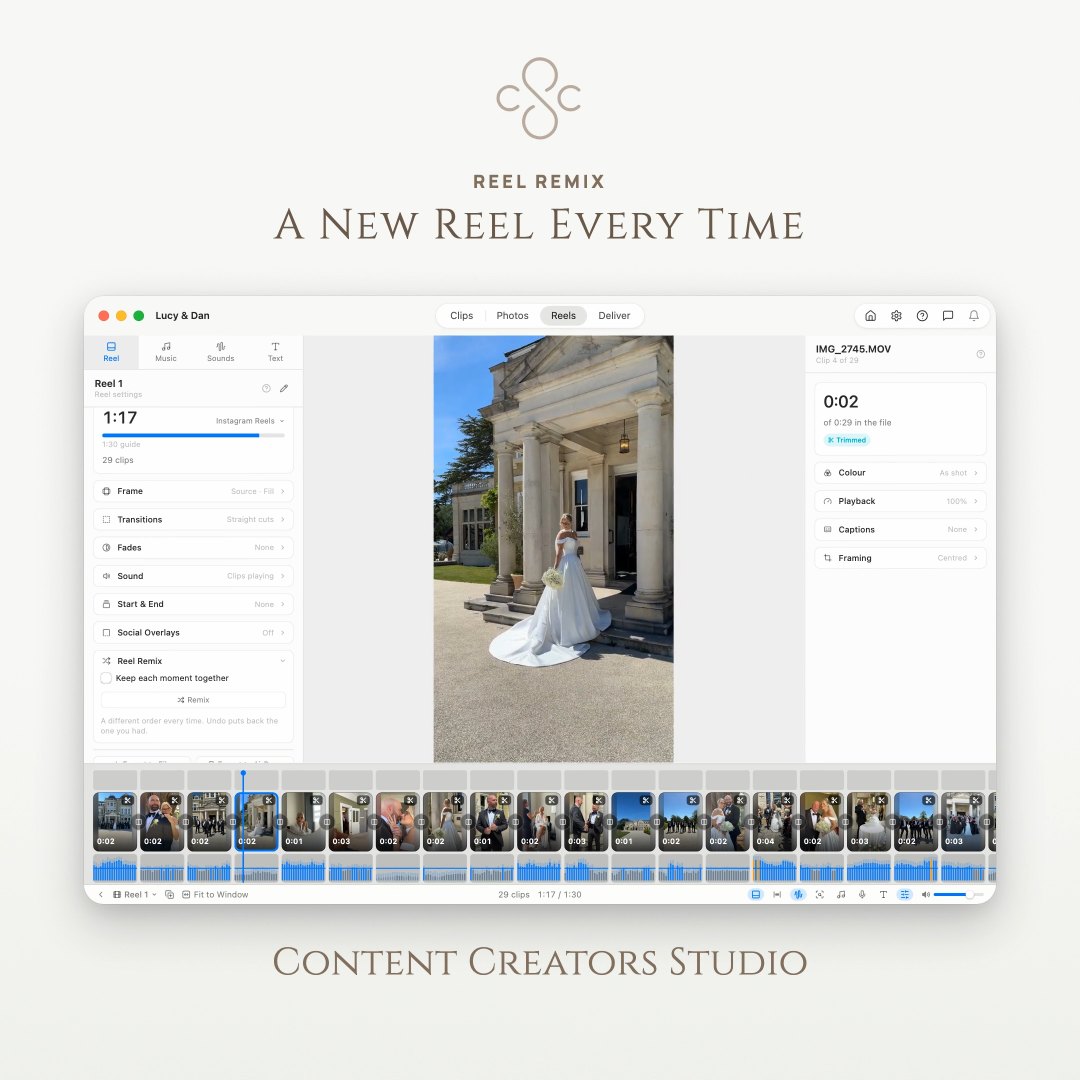
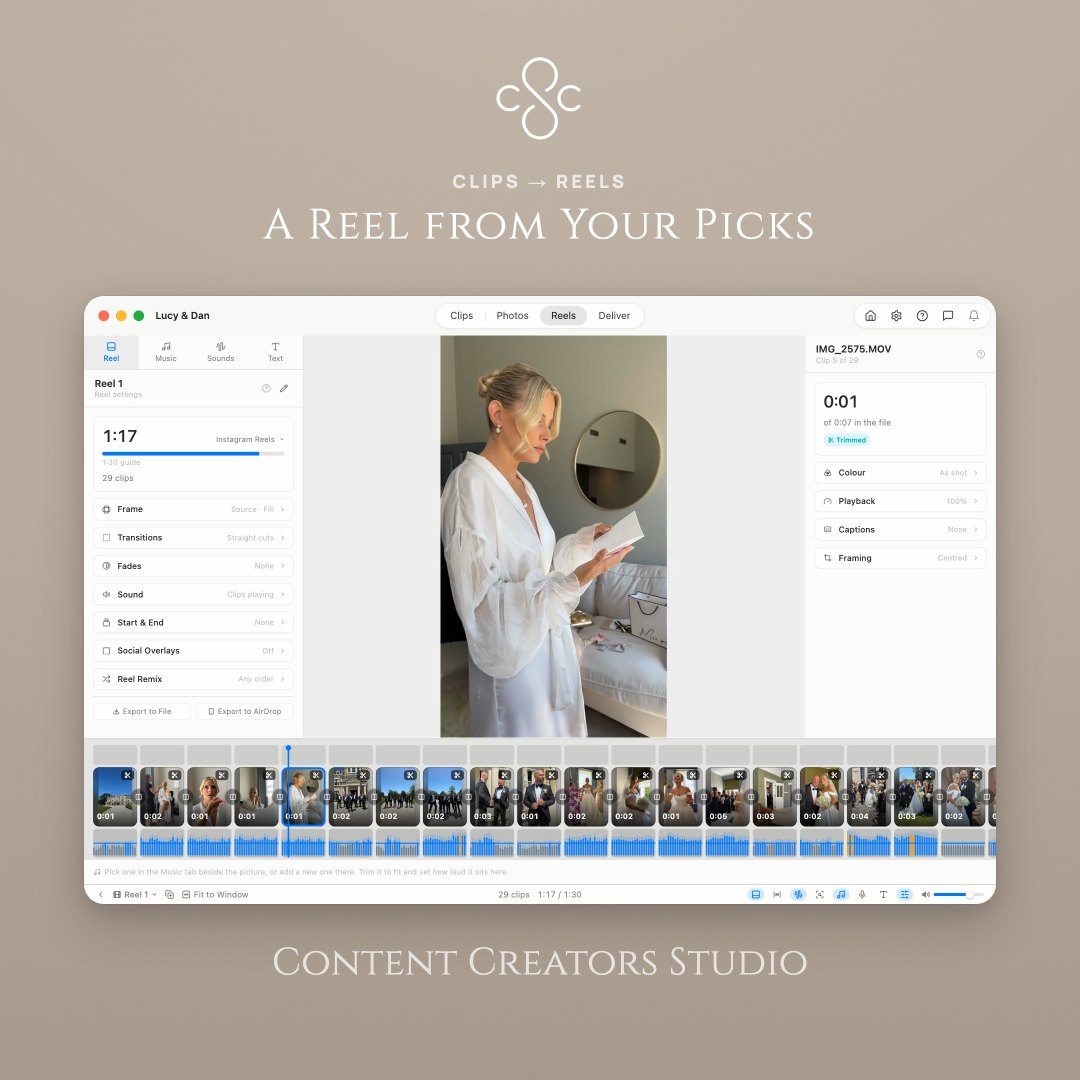
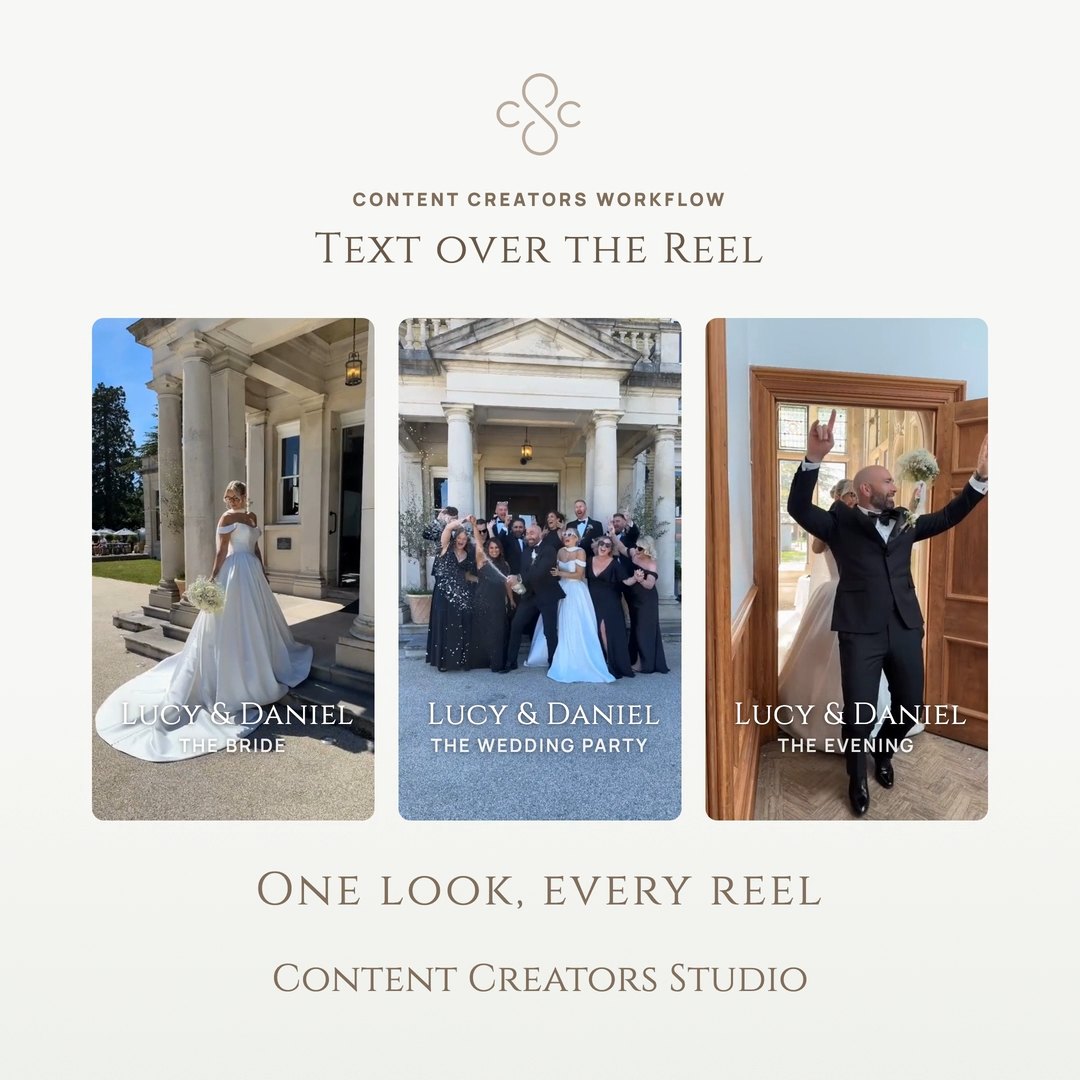
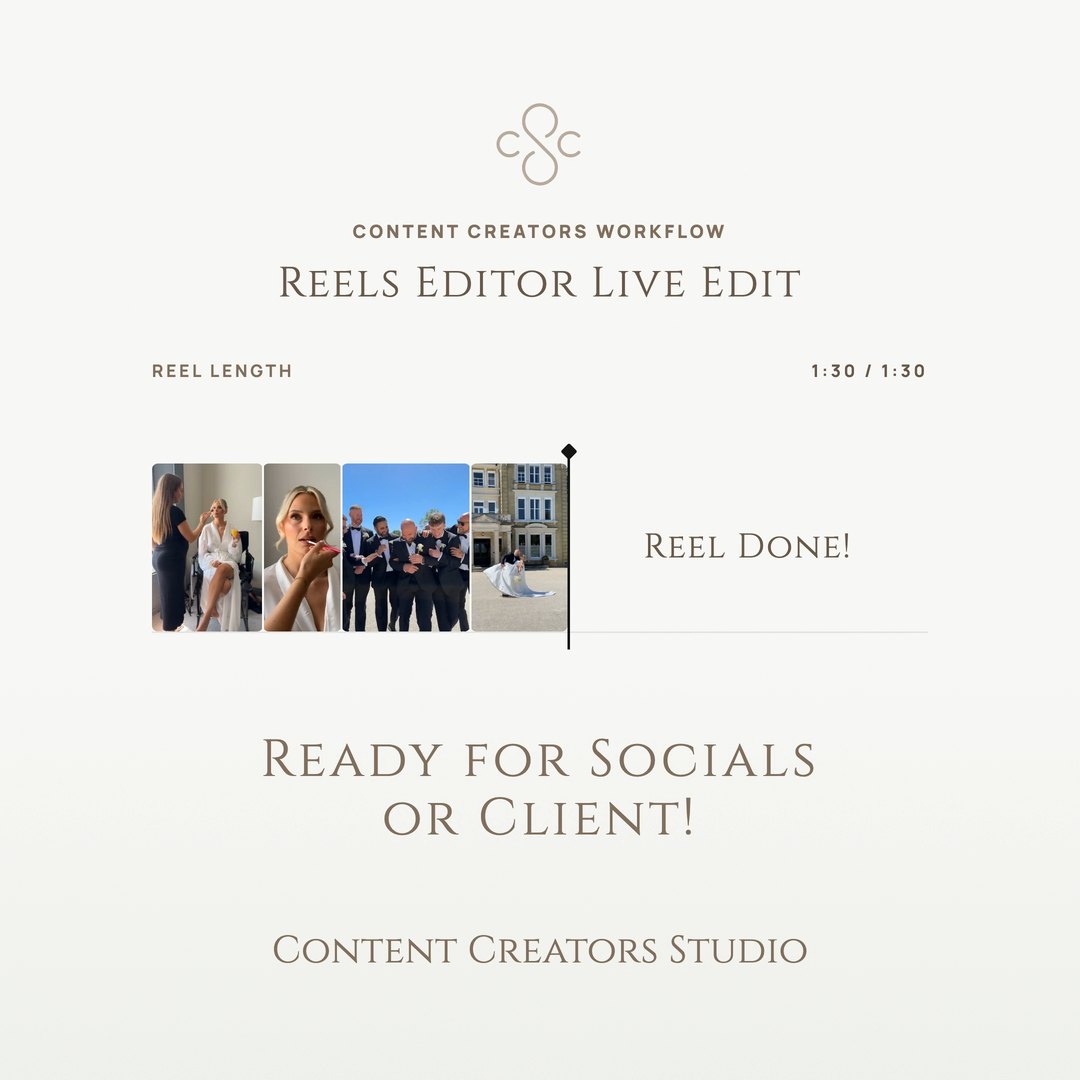
Join your picks into a reel, trim, split and drag to reorder, then export one file. Cut as many reels from a folder as you like.

Stills That Move

Drop captured frames into a reel, or build a slideshow from them, each with a slow Ken Burns zoom or pan.

Score With Music

Lay a track under the whole reel, trimmed against its waveform and set to sit under your clips.

Colour Grading

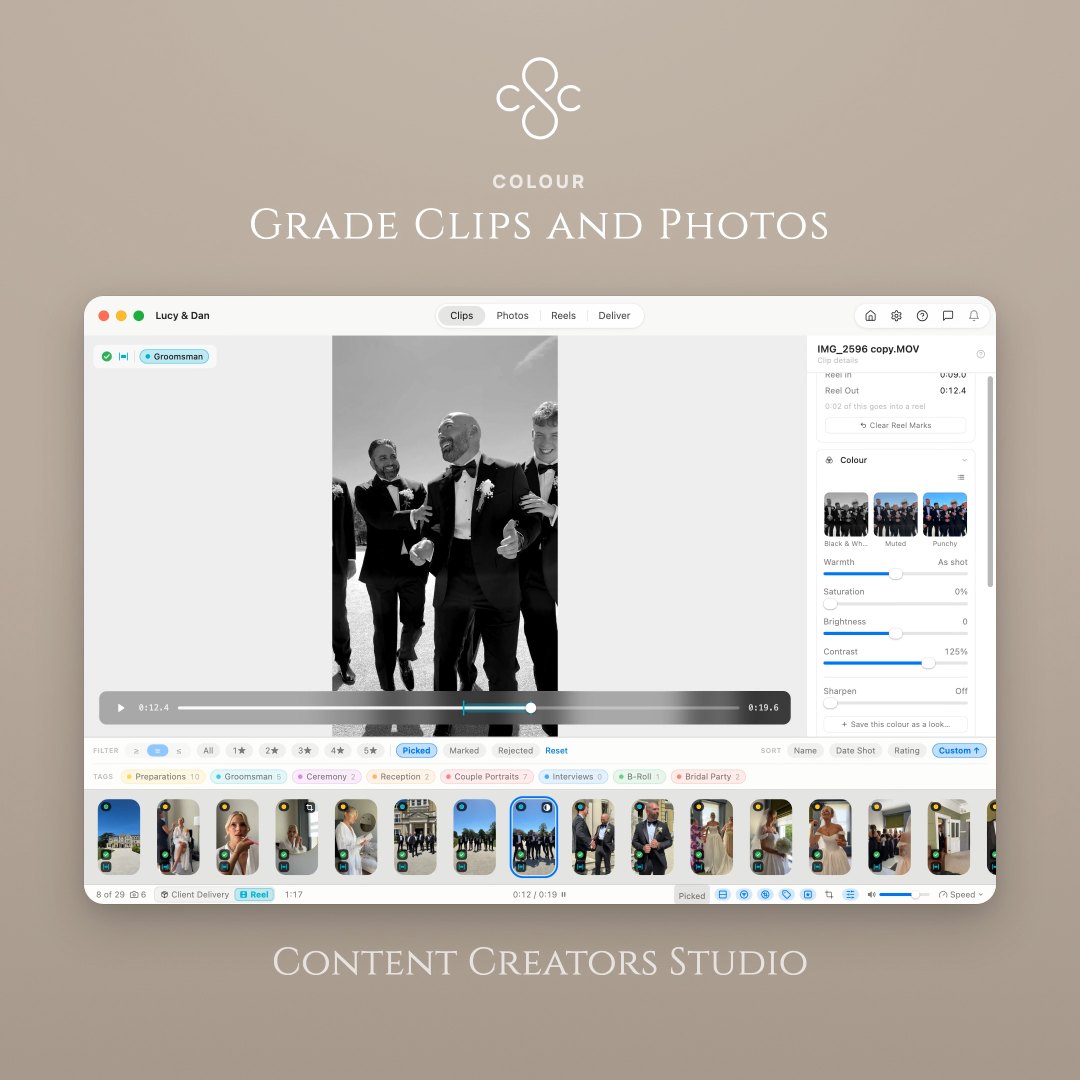
Grade each clip, match one to the next in a click, and save looks to reuse on every shoot.

Dissolves & Fades

Set a dissolve cut by cut, open or close your reel on black or white, and crossfade the sound so a change in room tone never jolts.

Export up to 4K

Deliver in 9:16, 1:1 or 16:9 with length guides for Reels, Shorts and TikTok, or guides of your own.

Automatic Backups

Your ratings and reels are copied quietly beside your clips, and restored if anything goes wrong.

Your Workflow, Simplified

From the phone in your pocket to client delivery in four simple steps

01

Import Your Clips

Pull a shoot straight off your iPhone into a named folder, or point the app at any folder you already have. Hundreds of clips, ready instantly.

02

Rate & Cull

Preview every clip instantly, then rate with stars or mark picks and rejects using keyboard hotkeys. Trim anything that needs it.

03

Cut Your Reel

Switch to Edit mode and join your picks into a reel. Reorder, split, add music, grade the colour and set your dissolves.

04

Deliver to the Client

Export your selects renamed in sequence with your own prefix, stills included, ready to hand over. Or send out one finished reel up to 4K.

Built for Professionals

Keyboard-Driven Workflow

Content Creators Studio is designed from the ground up for speed. Reviewing, rating, capturing frames and splitting a reel can all be done with keyboard shortcuts, so you never have to reach for your mouse.

Hotkey for Everything

Review, rate, pick, reject and cut without touching your mouse.

Mouse Optional

Click to preview if you prefer, but the keyboard is always faster.

Essential Hotkeys

Rate with stars
12345
Mark as pick
P
Mark for edit
E
Reject clip
X
Capture current frame
C
Sort panel, or split in Edit mode
S
Switch clips and snapshots
M
Play/Pause preview
Space
Navigate clips
Jump 10 clips at a time
Jump position in video clip

Pro tip: Master these hotkeys and you'll review footage 5x faster than traditional methods.

Loved by Content Creators

See what professionals are saying about Content Creators Studio

"Content Creators Studio cut my footage review time in half. I can't imagine going back to my old workflow."

SM
Sarah Mitchell
Wedding Videographer

"The keyboard shortcuts are a game-changer. I can fly through hundreds of clips without breaking my flow."

MC
Marcus Chen
Content Creator

"Finally, a tool built specifically for video selection. The star rating system is exactly what I needed."

ER
Emily Rodriguez
Event Filmmaker

Start Working Faster Today

One-time purchase. No subscription required.

Content Creators Studio Icon

Content Creators Studio

£14.99one-time

Available exclusively on the Mac App Store

Import straight from your iPhone, grouped by shoot day
Visual timeline view with thumbnails
Instant video preview
Star ratings, pick selection and rejects
Full keyboard hotkey support
Filter and sort your clips
Custom drag and drop ordering
Lossless trimming without leaving the app
Snapshots mode for captured frames
Edit mode — cut your picks into a reel
Music, colour grading and dissolves
Ken Burns moves on stills
Export up to 4K in 9:16, 1:1 or 16:9
Length guides for Reels, Shorts and TikTok
Sequential renaming with your own prefix
Export in the order you arranged
Batch export with copy or move
Automatic backups of ratings and reels
MP4, MOV, AVI, M4V and MKV support
Light and dark mode theme support
One time purchase, no subscription
Free updates included

Requires macOS 14.6 or later • Compatible with Apple Silicon and Intel Macs

Free Updates